 uarkova
Why Progressive Web Apps Are the Future of the Web (2026)
Why Progressive Web Apps Are the Future
Progressive Web Apps (PWAs) are no longer a niche experiment. They are quickly becoming the dominant strategy for businesses and developers who want to deliver fast, reliable, and engaging digital experiences — without the cost and complexity of building separate native apps. Whether you're a solo developer, a startup, or an enterprise team, understanding PWAs is no longer optional. It's a competitive necessity.
This guide covers everything: what PWAs are, why they matter, how to build one, which programming languages and frameworks to use, and how to add advanced features that push the boundaries of what the web can do.
What Is a Progressive Web App?
A Progressive Web App is a web application that uses modern browser technologies to deliver an experience that feels like a native mobile or desktop app. The term was coined by Google engineers Alex Russell and Frances Berriman in 2015, and since then, companies like Twitter, Starbucks, Pinterest, and Uber have adopted PWAs with dramatic results.
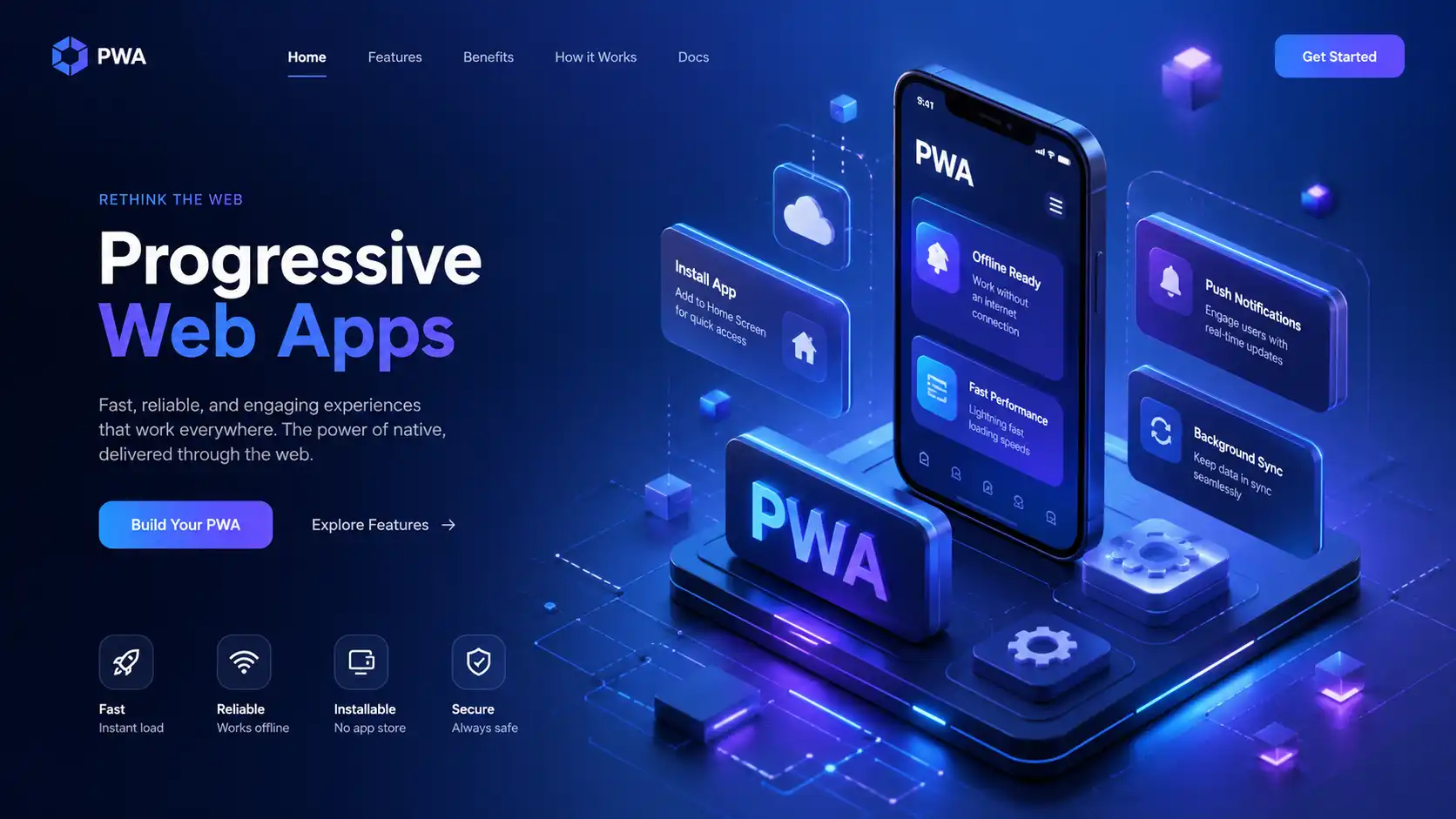
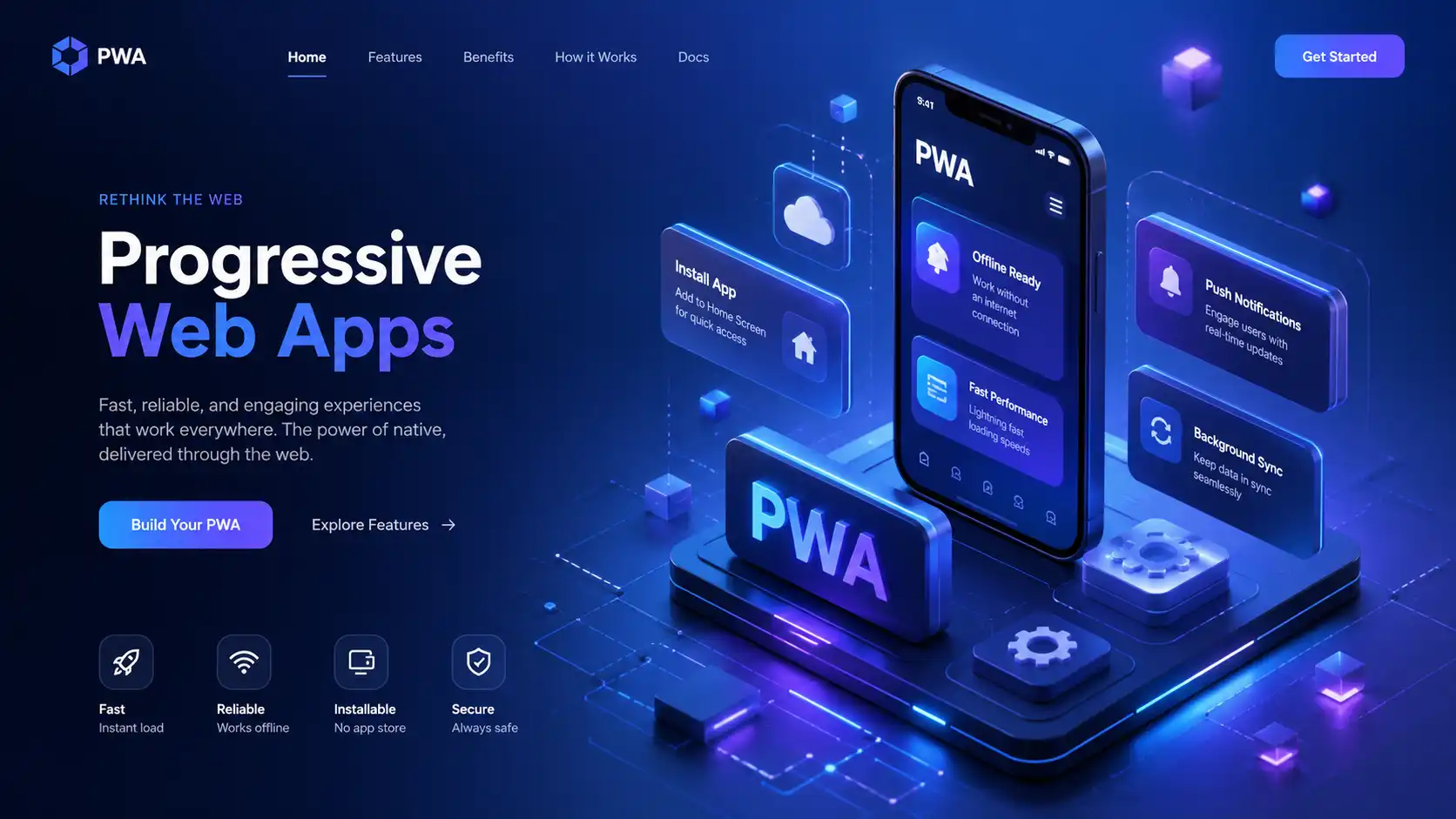
PWAs are built on three core pillars:
- Reliable — They load instantly, even on flaky or offline networks, using service workers to cache assets and data.
- Fast — They respond quickly to user interactions with smooth animations and no janky scrolling.
- Engaging — They feel like native apps: full-screen mode, push notifications, home screen icons, and hardware access.
The magic is that a PWA is still just a website at its core — it runs in the browser, is discoverable via search engines, and requires no app store to distribute.
Why Use a PWA? The Real Benefits
1. One Codebase, Every Platform
Instead of maintaining a React Native app, a Swift app, a Kotlin app, and a web app separately, a PWA runs on all platforms from a single codebase. This dramatically reduces development time, cost, and maintenance burden.
2. No App Store Friction
Native apps require Apple or Google approval, which can take days or weeks. PWAs are deployed instantly — push your code, and users get the update immediately the next time they visit. No review process, no rejection, no 30% commission on in-app purchases.
3. Performance That Rivals Native
With service workers pre-caching assets and APIs, a well-built PWA can load in under one second, even on a slow 3G connection. Twitter Lite saw a 65% increase in pages per session and a 75% increase in tweets sent after switching to a PWA.
4. Offline Functionality
This is the game-changer. Traditional websites break without an internet connection. A PWA serves cached content, lets users complete forms offline, syncs data when reconnected, and even shows offline-specific UI — all without any native code.
5. Installable Without an App Store
Users can add a PWA to their home screen directly from the browser. On Android, the browser triggers an automatic "Add to Home Screen" prompt. On iOS, users can do it manually. Once installed, the PWA launches like a native app — full screen, with its own splash screen and icon.
6. Push Notifications
PWAs can send push notifications even when the app is closed (on Android and desktop). This keeps users engaged without requiring them to have the app installed from a store.
How to Build a PWA: Step-by-Step
Step 1: Start With a Solid Web App
Before making anything "progressive," build a well-structured web application. It should be served over HTTPS (required for service workers), use semantic HTML, and be fully responsive.
Step 2: Create a Web App Manifest
The manifest is a JSON file that tells the browser how to display your PWA when installed.
{
  "name": "My Awesome PWA",
  "short_name": "AwesomePWA",
  "start_url": "/",
  "display": "standalone",
  "background_color": "#ffffff",
  "theme_color": "#0066cc",
  "icons": [
    {
      "src": "/icons/icon-192.png",
      "sizes": "192x192",
      "type": "image/png"
    },
    {
      "src": "/icons/icon-512.png",
      "sizes": "512x512",
      "type": "image/png"
    }
  ]
}
Link it in your HTML:
<link rel="manifest" href="/manifest.json" />
Step 3: Register a Service Worker
A service worker is a JavaScript file that runs in the background, intercepting network requests and managing caches.
// In your main JS file
if ('serviceWorker' in navigator) {
  window.addEventListener('load', () => {
    navigator.serviceWorker.register('/sw.js')
      .then(reg => console.log('Service Worker registered:', reg.scope))
      .catch(err => console.error('SW registration failed:', err));
  });
}
Step 4: Write the Service Worker (sw.js)
const CACHE_NAME = 'pwa-cache-v1';
const ASSETS = ['/', '/index.html', '/styles.css', '/app.js', '/icons/icon-192.png'];

// Install: cache all core assets
self.addEventListener('install', event => {
  event.waitUntil(
    caches.open(CACHE_NAME).then(cache => cache.addAll(ASSETS))
  );
});

// Fetch: serve from cache, fall back to network
self.addEventListener('fetch', event => {
  event.respondWith(
    caches.match(event.request).then(response => response || fetch(event.request))
  );
});

// Activate: clean up old caches
self.addEventListener('activate', event => {
  event.waitUntil(
    caches.keys().then(keys =>
      Promise.all(keys.filter(k => k !== CACHE_NAME).map(k => caches.delete(k)))
    )
  );
});
Step 5: Test With Lighthouse
Open Chrome DevTools → Lighthouse → Run a PWA audit. Google will score your app and tell you exactly what's missing. Aim for 90+ across all categories.
Which Programming Languages and Frameworks Can You Use?
PWAs are not tied to any specific language or framework. Here's a breakdown of popular choices:
JavaScript / TypeScript (Native Choice)
The most natural fit. Vanilla JS works fine for small apps. TypeScript adds type safety for larger codebases.
React
The most popular choice for PWAs. Create React App includes PWA support out of the box. Just use the PWA template:
npx create-react-app my-pwa --template cra-template-pwa
Vue.js
Vue CLI includes PWA plugin support:
vue add pwa
The @vue/cli-plugin-pwa auto-generates your service worker using Workbox.
Angular
Angular has first-class PWA support via @angular/service-worker:
ng add @angular/pwa
Svelte / SvelteKit
SvelteKit is excellent for PWAs because of its tiny bundle size. Add the @vite-pwa/sveltekit plugin for full support.
Next.js (React + SSR)
Use the next-pwa package for service worker integration with server-side rendering. Ideal for SEO-critical PWAs.
Python / Django / Flask (Backend)
PWA logic is entirely frontend, but Python is a great backend for your PWA's API. Django REST Framework or FastAPI can serve JSON data to your PWA frontend efficiently.
PHP / Laravel
Laravel pairs well with Vue-based PWAs. Laravel serves as the backend API while Vue handles the PWA frontend.
Rust (via WebAssembly)
For performance-critical parts of your PWA (image processing, encryption, game logic), compile Rust to WebAssembly and import it into your JavaScript:
import init, { process_image } from './pkg/my_wasm.js';
await init();
const result = process_image(imageData);
Advanced PWA Features to Add
Background Sync
Queue failed network requests and retry them when connectivity is restored:
self.addEventListener('sync', event => {
  if (event.tag === 'sync-messages') {
    event.waitUntil(syncPendingMessages());
  }
});
Push Notifications
const permission = await Notification.requestPermission();
if (permission === 'granted') {
  const subscription = await registration.pushManager.subscribe({
    userVisibleOnly: true,
    applicationServerKey: urlBase64ToUint8Array(PUBLIC_VAPID_KEY)
  });
  // Send subscription to your server
}
Web Share API
Let users share content natively:
await navigator.share({
  title: 'Check this out',
  text: 'Amazing article about PWAs',
  url: 'https://yourpwa.com/article'
});
IndexedDB for Offline Data Storage
Use libraries like Dexie.js or idb to store structured data locally:
import Dexie from 'dexie';
const db = new Dexie('MyDatabase');
db.version(1).stores({ notes: '++id, title, body, createdAt' });
await db.notes.add({ title: 'Hello', body: 'Offline note', createdAt: new Date() });
Real-World PWA Success Stories
- Starbucks built a PWA that works offline, letting users browse the menu and customize orders without an internet connection. It's 99.84% smaller than their iOS app.
- Pinterest rebuilt as a PWA and saw a 60% increase in core engagement, a 44% increase in user-generated ad revenue, and a 40% increase in time spent on the site.
- Flipkart (India's largest e-commerce platform) saw a 70% increase in conversions after launching a PWA for users on low-end devices and slow networks.
PWAs vs Native Apps: When to Choose What
| Feature | PWA | Native App |
|---|---|---|
| Cross-platform | ✅ One codebase | ❌ Separate builds |
| App Store listing | ❌ Not required | ✅ Required |
| Offline support | ✅ Yes | ✅ Yes |
| Push notifications | ✅ Android/Desktop | ✅ All platforms |
| Camera / GPS | ✅ Via Web APIs | ✅ Full access |
| Bluetooth / NFC | ⚠️ Limited | ✅ Full access |
| Performance | ✅ Near-native | ✅ Native |
| Development cost | ✅ Lower | ❌ Higher |
The Future Is Progressive
The web platform has never been more powerful. APIs for file system access, Bluetooth, NFC, biometric authentication, real-time video, and advanced graphics are landing in browsers every year. The gap between "web app" and "native app" is closing rapidly.
PWAs are the right bet for most products. They're cheaper to build, faster to ship, easier to maintain, and accessible to anyone with a browser — no app store required. For businesses targeting emerging markets with low-end devices and limited bandwidth, PWAs aren't just a good idea. They're the only idea that scales.
Start with a solid web foundation, add a manifest, write a service worker, and audit with Lighthouse. The rest — push notifications, background sync, offline storage — layer on top cleanly.
The future of apps is a URL. And that future is already here.
Ready to build your first PWA? Start with the MDN PWA documentation and run a Lighthouse audit on your existing site today.