 uarkova
Browser Tool
Image Compressor
Reduce JPG & PNG size with a quality slider. Fully local — nothing leaves your device.
Compress imageFree · Private · No account
A professional suite of browser-based image utilities and server-powered PDF & video tools. Process files instantly — most image tasks never leave your device.
Why Quarkova
Built for speed, privacy, and clarity
Design realistic chat simulations, status bars, and encrypted .qkt templates 100% in-browser.
All-in-one simulator with Android/iPhone/Desktop frames, Realtime IP Clock, DP Avatar cropping/scaling, and encrypted .qkt file export.
Simulate Instagram Direct Messages, Story gradient rings, verified blue checkmarks, and feed post layouts with 4K PNG export.
Create realistic WhatsApp chats with green header bars, dark wallpaper patterns, double blue ticks, and custom timestamps.
Design iOS iMessage blue bubbles, SMS green bubbles, camera notches, and typing indicators for marketing videos.
Create Facebook post cards with like counters, comment threads, privacy icons, and high-resolution photo attachments.
Simulate X (Twitter) posts, verified gold/blue badges, retweet counts, view metrics, and dark mode tweet threads.
Instant digital delivery powered by official Cashfree server verification & signed tokens.

Complete production-ready source code for 25+ browser and server-side image & PDF microtools.

Over 1,000+ curated master prompts for ChatGPT, Midjourney, Claude, and Stable Diffusion.

100+ high-resolution royalty-free wallpaper collection in 4K UHD PNG & WebP formats.

PHP + Ghostscript engine for high-speed PDF password removal, rotation, and compression.

Zero-dependency client-side Canvas & WebAssembly image optimization micro-module.

Fast API scraper script for HD video, carousel post, and story media downloads.
Professional Website Building, Hosting, SEO, Google Business, Google Ads, Meta Ads & Payment Gateway Setup.
Custom fast websites, web apps, e-commerce, cloud hosting & SSL setup.
On-Page/Off-Page SEO, speed optimization, and Google Business Profile GMB map ranking.
High-converting PPC search campaigns, Meta Pixel setup, lookalike audiences & retargeting.
Cashfree & Stripe SDK setup with anti-refresh locking & server signature verification.
Pick a category or browse everything. Every tool is free with no sign-up.
Browser Tool
Reduce JPG & PNG size with a quality slider. Fully local — nothing leaves your device.
Compress imageBrowser Tool
Convert PNG to WebP or JPEG in browser. Choose quality, preview, and download instantly.
Convert PNGBrowser Tool
Resize and scale images proportionally in your browser. Fast, secure, and private.
Resize ImageBrowser Tool
Convert JPG, PNG, WebP, SVG in batch. Runs entirely local inside your browser.
Convert ImagesServer Tool
Combine up to 20 images into one PDF. Server-processed with automatic file cleanup.
Create PDFServer Tool
Extract any page or range from a PDF. Download only what you need, nothing stored.
Split PDFGet started in seconds — no account, no install, no learning curve.
Quarkova is built around a single philosophy: your tools should work immediately, without friction. There's no sign-up page, no email verification, and no subscription paywall. Navigate to any tool and start processing files within seconds.
Browser-based image tools (Image Compressor and PNG → WebP Converter) use the HTML5 Canvas API to process your files entirely within your browser tab. Your images are never transmitted to any server. This means zero upload time, zero bandwidth cost, and complete privacy — even on a slow mobile connection.
Server-side PDF tools (Images to PDF and PDF Splitter) require a brief server round-trip because PDF manipulation depends on the PHP Imagick library. Your files are handled securely, processed in a temporary directory, and deleted the moment your download completes. There is no persistent storage — ever.
All tools are fully responsive and tested on desktop (Chrome, Firefox, Edge, Safari) and on mobile (iOS Safari, Android Chrome). No browser extension or plugin is required.
Choose your tool
Click any tool in the navigation bar. Each tool page explains exactly what it does and which file types it accepts.
Upload or select your file
Use the file picker to select your image or PDF. For image tools, the file stays local. For PDF tools, it's sent securely to the server.
Adjust settings
Use quality sliders (image tools) or page range inputs (PDF tools) to configure exactly the output you need.
Download your result
Click the action button. Your file is ready in seconds. For PDF tools, server files are deleted automatically after download.
Quick answers about privacy, limits, and how our tools work.
Do I need to create an account?
No. All tools are accessible immediately without registration, login, or subscription. Just open the page and start working.
Are my files stored on Quarkova's servers?
Image tools process files entirely in your browser — nothing is ever sent to the server. PDF tools use a temporary server directory that is wiped immediately after each download.
What browsers are supported?
Chrome 90+, Firefox 88+, Edge 90+, Safari 14+, and their mobile equivalents. The Canvas API used by image tools is available in all modern browsers.
Is there a file size limit?
For browser-based image tools, limits are determined by your device's RAM. For server-side PDF tools, the server's upload_max_filesize applies (typically 8–16MB in Laragon).
Can I use Quarkova on my phone?
Yes. The interface is fully responsive and tested on iOS Safari and Android Chrome. You can compress images and split PDFs directly from your smartphone.
Why are there advertisements?
Carefully placed, clearly labelled ads help us keep Quarkova free and maintained. We use only non-intrusive placements — never pop-ups or auto-playing videos.
How accurate is the image compression?
Quality is determined by the JPEG encoding factor you choose. At 80%, file sizes typically drop 50–65% with no visible quality difference at normal viewing sizes.
Will more tools be added?
Yes. Planned additions include SVG optimiser, GIF to WebP converter, PDF merge, and a bulk image resizer. Subscribe to the blog for updates.

What counts as pirated software? Pirated software is any copy of a paid program that's been altered to skip its licensin…

Film Breakdown Toxic (2026): The VFX Studio, Editor, Composers, and Every Language It's Releasing In Published August 9,…

Tesla, the Vajra, and Elon Musk: Three Threads, One Idea of Infinite Energy There's a strange, satisfying pattern hiding…
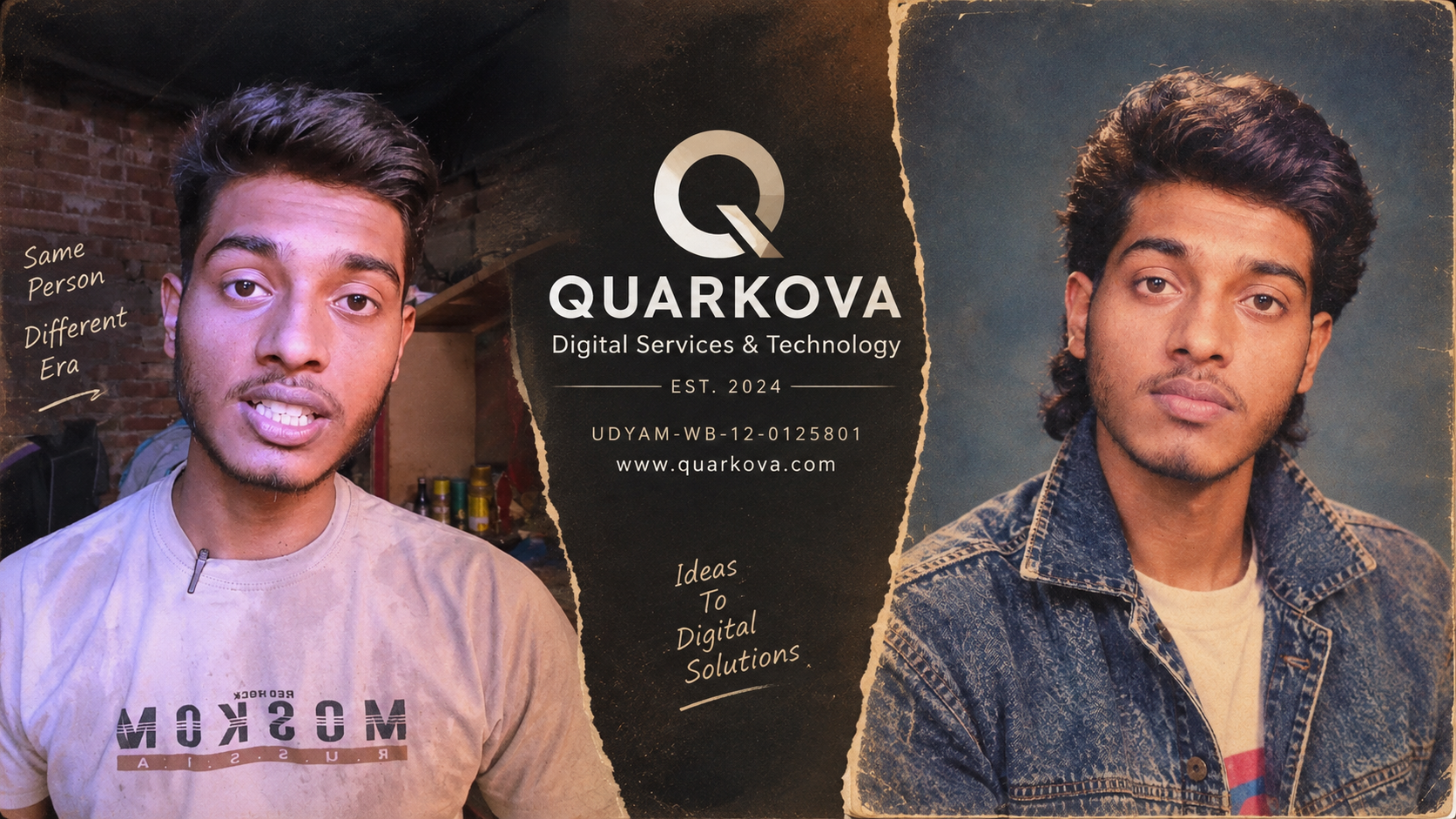
Turn your photo into a 1980s studio portrait with this AI prompt The retro portrait trend is everywhere right now &mdash…
View prompt details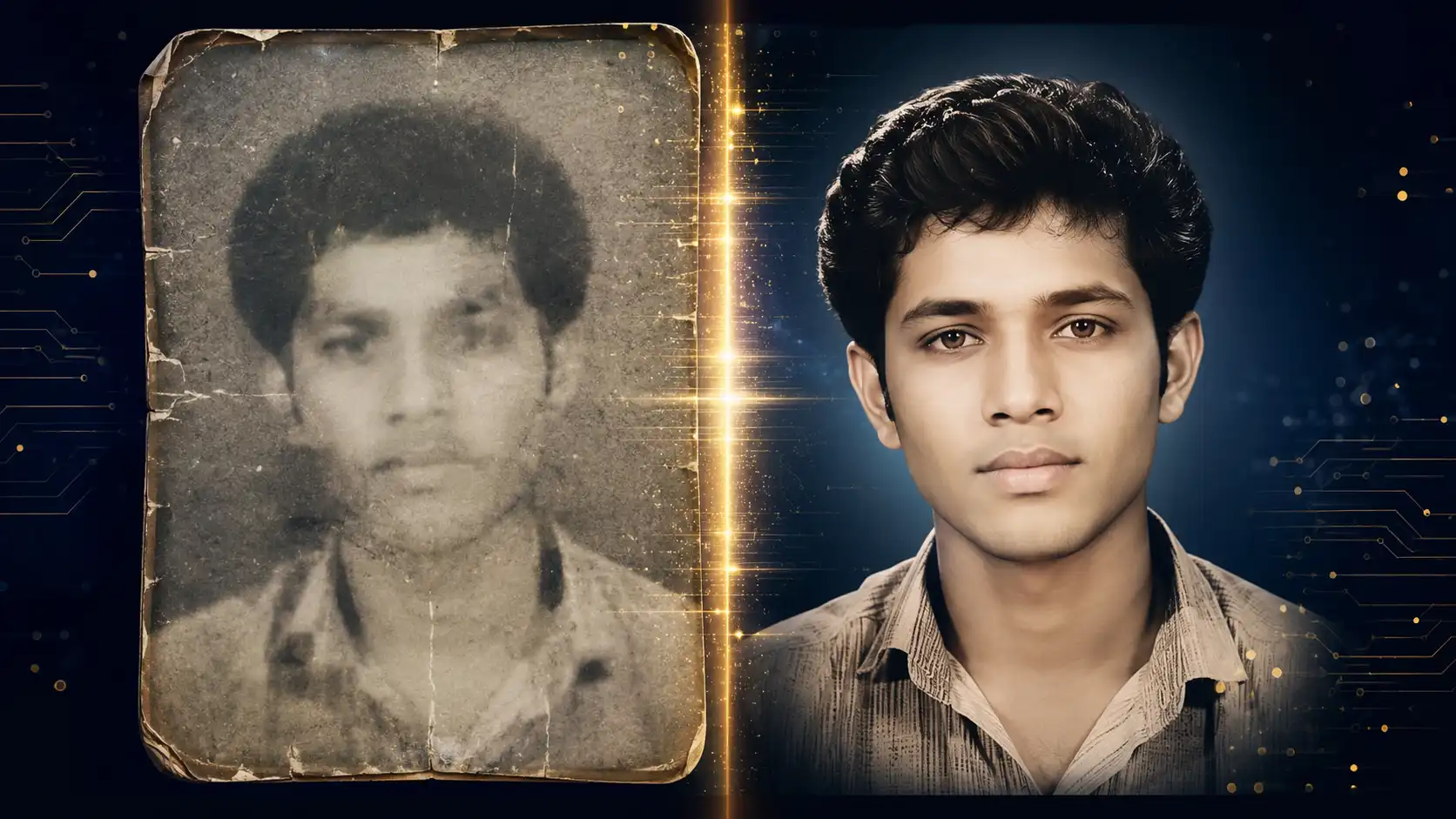
Best AI Prompt for Photo Enhancement: Turn Low-Quality Photos into 8K Ultra HD Old family photographs, blurry scans, low…
View prompt details
Prompt Engineering Guide How to Write & Use AI Image Generation Prompts the Right Way A practical, step-by-step proc…
View prompt details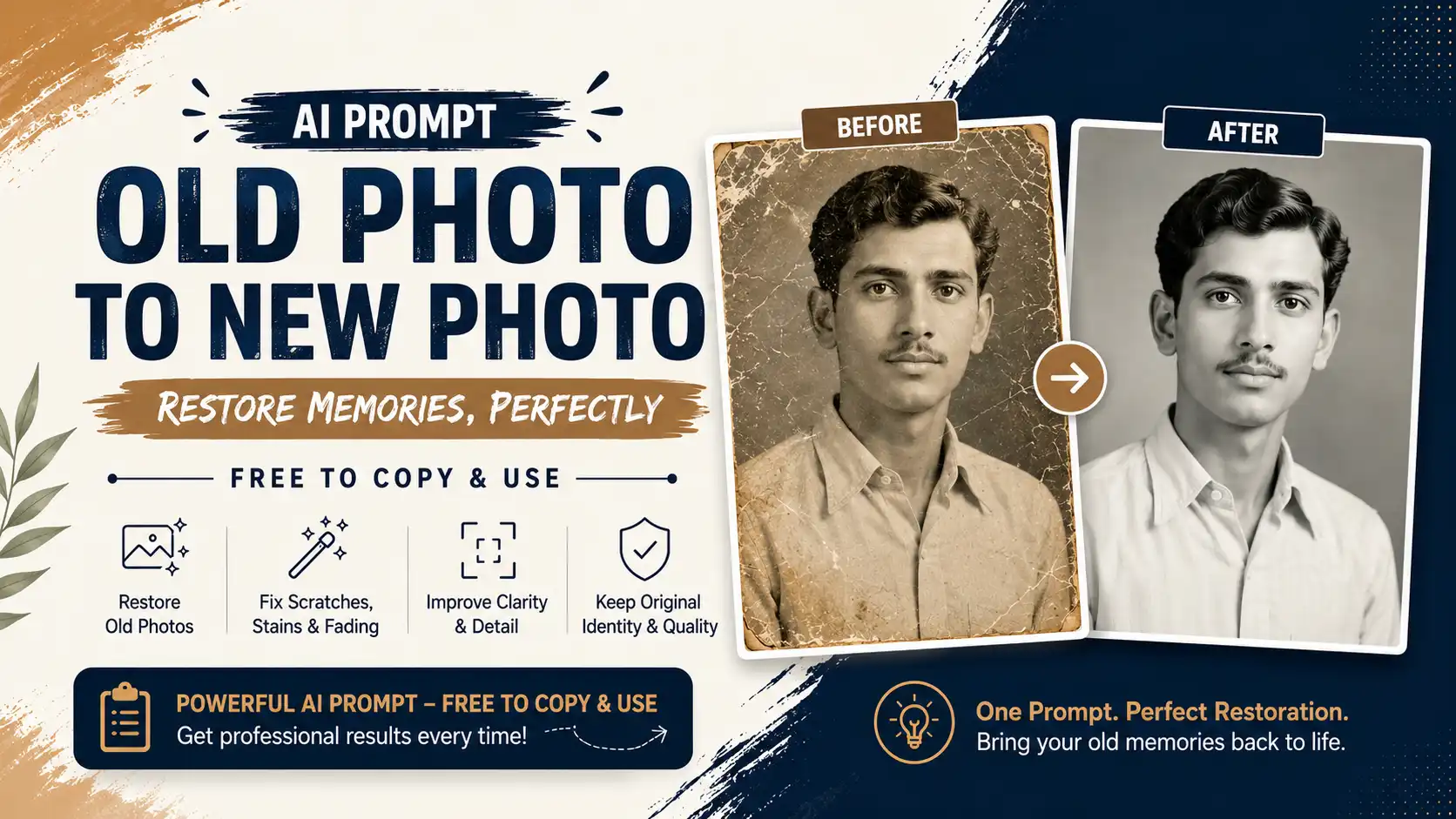
Old Photo to New Photo AI Prompt: Free Copy-Paste AI Photo Prompt Do you have an old, faded, or damaged family photo sit…
View prompt details
How to Create Viral AI Eye-in-the-Sky Images for Instagram Have you noticed those cinematic Instagram posts where a pers…
View prompt detailsLearn about the file formatting guidelines, compression algorithms, browser APIs, security isolation protocols, and licensing terms that make this utility fast, private, and compliant.
Quarkova is a professional suite of free online utilities designed for developers, creators, and web professionals. Every single tool is built from the ground up to prioritize speed, simplicity, and user privacy. By combining browser-first tools that process files locally in browser memory with secure server-side processing for complex actions, Quarkova provides a fast, reliable utility hub. Our platform supports a wide range of needs, from image compression and format conversions to PDF editing and social media archival backups. We require no user accounts or registration, protecting your personal data. In addition to primary functionalities, understanding the underlying mathematical concepts of data representation is crucial. When files are loaded, they are broken down into raw byte streams. For images, these byte streams contain header blocks that define metadata, width, height, color space depth, and resolution grids. For video files, the container formats wrap complex visual and auditory bitstreams that are synchronized using presentation timestamps. Managing these structures effectively requires robust parsing pipelines. By prioritizing browser-native execution, our web suite eliminates common web security vulnerabilities such as man-in-the-middle interception, server-side code execution vulnerabilities, and unauthorized data compilation. Visual designers, web developers, content writers, and digital marketers frequently handle proprietary images, contract drafts, financial receipts, or unpublished product designs. Using typical web tools that upload files poses a severe threat to business confidentiality. Quarkova mitigates these risks by providing an offline-capable sandbox, setting a new benchmark for utility design on the modern web. Furthermore, optimizing digital assets is not just about saving space—it directly impacts user experience and accessibility. Websites that load slowly due to uncompressed images or heavy PDF brochures experience higher bounce rates, lower conversion scores, and search engine ranking penalties. Google's Core Web Vitals explicitly track metrics like Largest Contentful Paint (LCP) and Cumulative Layout Shift (CLS), both of which are negatively affected by bulky, unoptimized media assets. By integrating our suite into your workflow, you can optimize your assets to load faster, leading to higher engagement, better search engine indexing, and lower hosting fees.
Quarkova stands out because of its commitment to user privacy and technical excellence. First, privacy is built directly into its design: unlike other tools that upload your files, Quarkova does all image scaling, pixel mapping, and compression locally in your browser memory. This guarantees that your files are safe from data breaches or unauthorized access. Second, it offers fast processing speed. With no server round-trips or network upload delays, compression happens instantly, letting you compress large images in seconds. Third, it is highly convenient: it is 100% free, requires no registration, sets no file limit, and has no advertising overlays. Fourth, the tool utilizes modern HTML5 WebGL and Canvas structures to optimize the conversion quality. This provides maximum byte savings while keeping colors and sharp lines crisp. Furthermore, our design principles focus on clean UX. We do not clutter the screen with invasive pop-ups, modal ads, or forced redirects. All ads are integrated into standard guidelines and placed to ensure they do not interfere with controls. The tools adjust to all screen sizes, from high-resolution desktop monitors to compact mobile viewports, providing a seamless transition between platforms. By operating directly on local client resources, we also save CPU cycles globally. Traditional cloud-based converters require giant server farms to scale, decode, re-encode, and package files for millions of users daily. This consumes massive amounts of electrical power and network bandwidth, contributing to higher carbon footprints. In contrast, Quarkova utilizes the idle computing power of your local device. Whether you are running a high-end workstation or a budget mobile phone, our JavaScript pipelines scale to utilize your local CPU cores, distributing processing workloads and promoting sustainable, eco-friendly green computing practices.
Navigate to any tool category, select your target files, adjust parameters, and click process. Browser-first tools handle files locally, while server-side tools execute inside transient sandbox environments. Review the output preview, and download the optimized files directly to your device storage. All temp files on our servers are purged automatically within 10 minutes. To ensure the best output quality, it is helpful to follow a few best practices. For image compression, starting with a quality level of 80% is recommended. This level typically yields a 60% to 80% file size reduction with no noticeable loss in quality. If you need to meet a specific file size limit, use our Target File Size mode. This mode automatically calculates the optimal compression level to fit your requirements. For PDF tools, check that your documents are not password-protected before uploading them. If you are combining multiple files, organize them in your local directory beforehand to make uploading easier. If you encounter any processing errors, check your network connection and ensure your files are not corrupted. For social download tools, verify that the media link you are pasting is publicly accessible. Private accounts and deleted posts cannot be resolved due to platform restrictions. Additionally, ensure you are copying the direct post URL, rather than a profile link or search query. If a download fails to start, verify your browser download settings and ensure you have sufficient storage space on your device. Following these steps helps guarantee a smooth, hassle-free experience across all our web utilities.
Under the hood, Quarkova utilizes advanced browser APIs to perform offline image processing. The `File` and `FileReader` APIs read the source files from the user's local disk into browser memory as Data URLs. A temporary `Image` object is created to extract natural dimensions and aspect ratios. The image is then drawn onto an offline `HTML5 Canvas` using the `drawImage` rendering context. For JPEGs and WebPs, the browser's native encoders recalculate pixel DCT (Discrete Cosine Transform) grids using the quality float. For PNGs, which use lossless DEFLATE compression, the tool uses an alpha-channel reduction algorithm or converts the file to a highly compressed transparent WebP file. The resulting data is wrapped in a transient browser blob URL, allowing for instant local downloading without server involvement. Additionally, the development of these tools incorporates strict memory management techniques. When large files are processed locally, they can consume significant browser memory, leading to slow performance or tab crashes. To prevent this, our JavaScript algorithms release memory references as soon as an operation completes. Temporary canvas objects, image sources, and file reader buffers are cleared from memory, freeing up system resources. For server-side tools, we use secure PHP architectures. Uploaded files are assigned random, unique hashes and stored in a secure sandbox directory. The directory is protected using restrictive `.htaccess` rules that block direct script execution, preventing unauthorized access. We also run a scheduled background task that monitors the sandbox directory and deletes all files older than 10 minutes. This automated cleanup process ensures that your files are never stored long-term, maintaining data privacy. Furthermore, our servers utilize firewalls, DDoS protection, and Cloudstile integration to block malicious traffic and secure our systems. This combination of client-side and server-side security measures provides a reliable, high-performance platform for all your utility needs.
We prioritize client-side execution to keep user files off our servers. For tools requiring server-side rendering:
Quarkova complies with the DMCA, global intellectual property guidelines, and Fair Use standards:
This site displays responsive Google AdSense ads in line with IAB policies. Ads are structured around user controls to prevent accidental clicks and respect mobile viewports.
We enforce strict copyright and intellectual property policies. The Quarkova Web Suite functions as a local, client-side utility for web designers and content creators. It does not index, host, store, or share any of the images you process. Users are solely responsible for ensuring they possess the copyright, licensing, or fair-use permissions for any images they upload and compress. Quarkova does not lay claim to your media. Since no data is transmitted to our servers, we cannot access, restore, or log your files. We strictly comply with the DMCA, Fair Use guidelines (17 U.S.C. § 107), and global privacy directives, ensuring a safe utility workspace for all creators. We take copyright protection and intellectual property rights seriously. Quarkova operates in full compliance with the Digital Millennium Copyright Act (DMCA), 17 U.S.C. § 107 (Fair Use), and the EU Copyright Directive. Our tools are designed strictly as technical utilities to help creators optimize and archive media they own or have explicit permission to use. We do not host a public database or directory of processed files, nor do we share or distribute any user content. All file processing happens locally in your browser or within secure temporary folders that are automatically deleted. If you believe your copyrighted work has been processed through our platform without authorization, please contact us immediately. Provide a detailed description of the copyrighted work, the specific tool used, and proof of ownership. We will review the report and take appropriate action to prevent further abuse. Quarkova is committed to maintaining a clean, law-abiding platform that respects the rights of all creators and intellectual property owners.
At Quarkova, user privacy is our top priority. We believe that your personal data and files should remain private, secure, and under your control. That is why we designed our platform to process files locally in your browser whenever possible. For tools that require server-side processing, we use secure, automated systems that delete all uploads and outputs immediately after download. We do not store, view, or share your files, and we do not maintain databases of your content. Additionally, our platform complies with strict data privacy guidelines, including the General Data Protection Regulation (GDPR) and the California Consumer Privacy Act (CCPA). We do not collect personal information, track your browsing history, or sell your data to third-party advertisers. All ads displayed on our site are integrated into standard guidelines and placed to ensure they do not interfere with your experience. By using Quarkova, you can trust that your files and data remain secure, private, and protected at all times.
Drop your file anywhere to upload
Quarkova Secure Sandbox